Plan your streaming setup, part by part.
PCPartPicker, but for going live. Pick how you stream, fill each component from a filterable parts list, and see the exact stream quality your build can hold, from a phone in your hand to a bonded IRL backpack.
Popular setups
Complete builds with a price and the exact stream quality they can hold. Open one and make it yours.
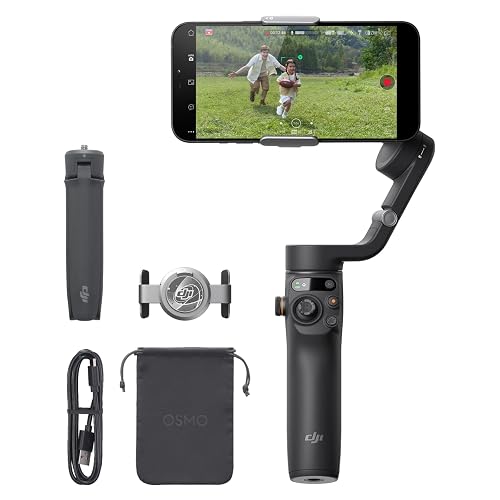


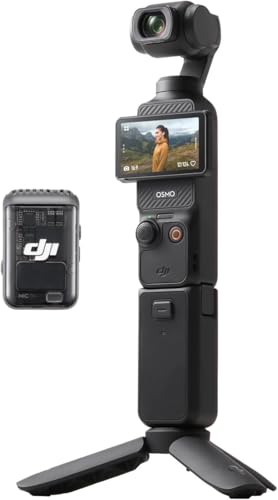


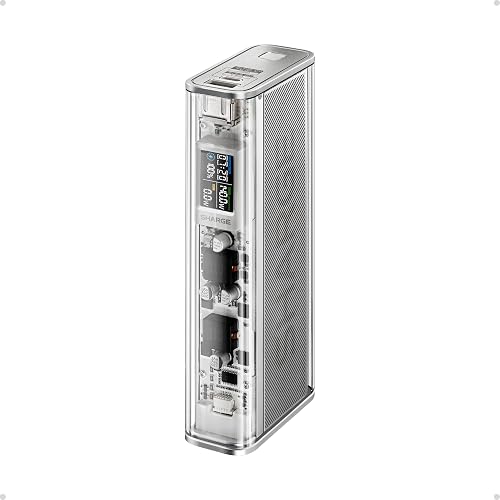
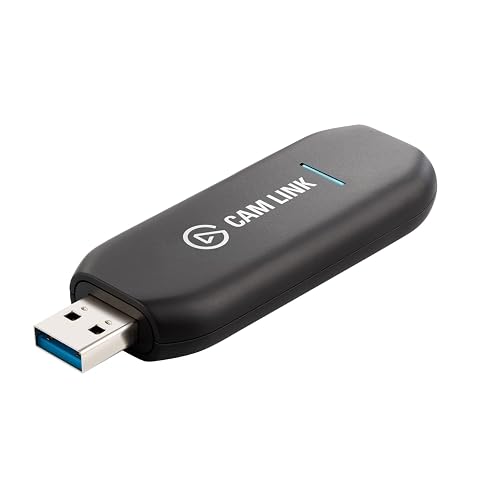


Same job, three budgets
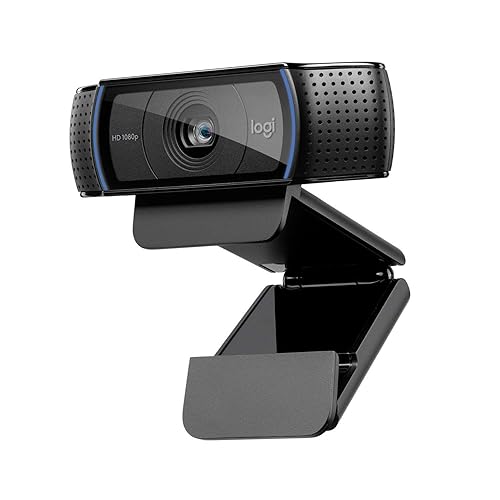
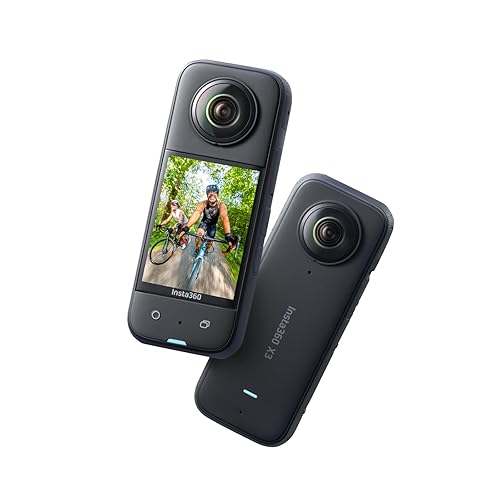


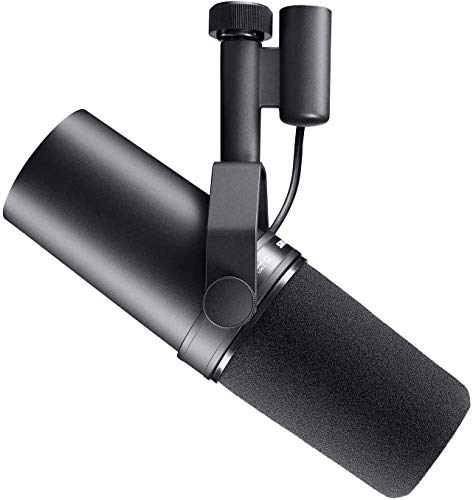





Step 1: what are you streaming?
Pick the kind of stream and we tune the build, the checks, and the recommendations to it.
PC or console gameplay from a desk setup.
Face cam, good audio, good light. The talk-show build.
Whatnot, eBay Live, TikTok Shop. Product cams and honest lighting.
Out in the world, from a phone in hand to a bonded backpack.
Step 2: how do you stream?
This shapes which components you need. Not everyone needs a backpack.
Phone
Go live with what you own
The layman starting point. Your phone is the camera, encoder, and modem in one. Add a gimbal, a battery, and a chat phone and you are streaming, no backpack required.
Build itIRL Backpack
The untethered DIY rig
The full mobile chain: camera into an encoder, bonded modems for a stable uplink, a relay so drops become BRB screens, all powered and rigged in a bag. The sweet spot most guides build.
Build itPC / Desk
The at-home studio
A seated, wired setup around your computer: a sharp face cam, broadcast audio, lighting, and a control deck. Highest production ceiling, fewest variables.
Build itDesk + IRL
Stream from home and the street
One setup that does both: a desk studio at home and a grab-and-go rig for the street. Picks lean to double-duty gear, so you swap modes rather than whole kits.
Build itBitrate-to-quality verdict
Like PCPartPicker estimates wattage, we estimate the stream quality your build can hold: 720p, 1080p, even 1440p, and the wall you hit first.
Streaming-real compatibility
eSIM is failover, not bonding. A real camera needs capture. A stable rig needs a relay. We flag it before you buy wrong.
Software & services count
Encoders, bonding, relays, cloud OBS. Half a streaming setup is not hardware, so it gets first-class slots here.